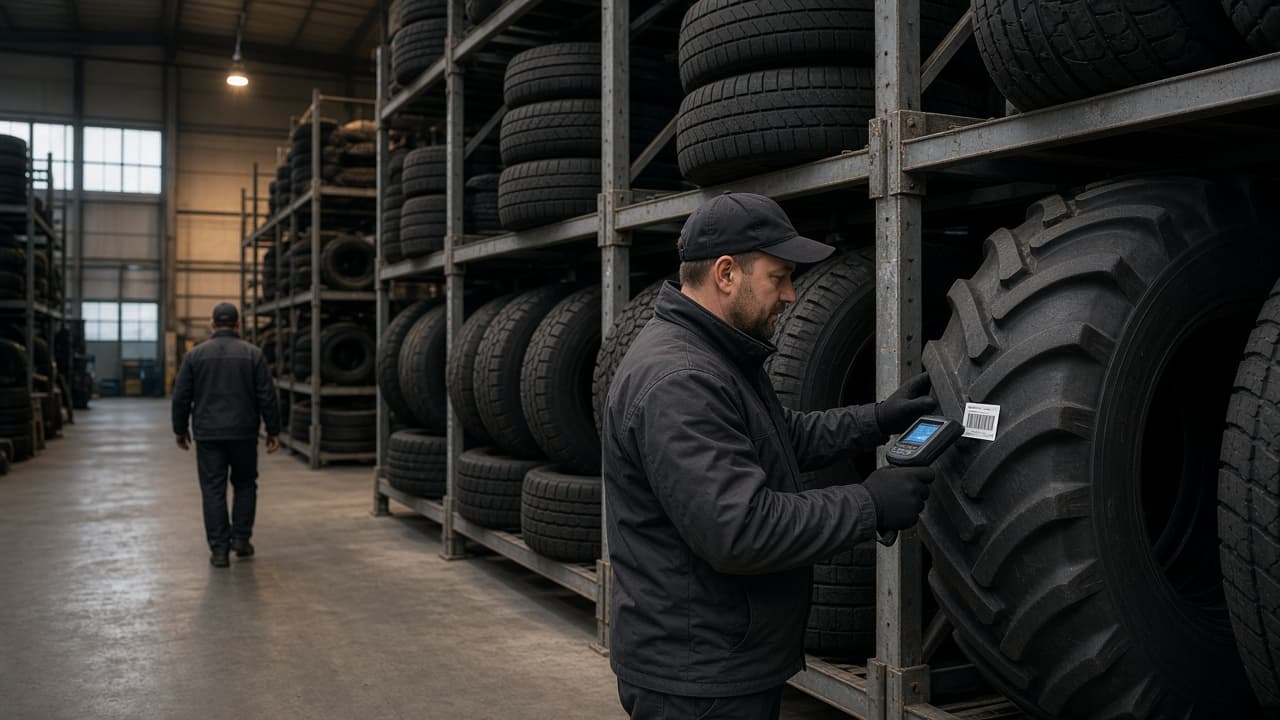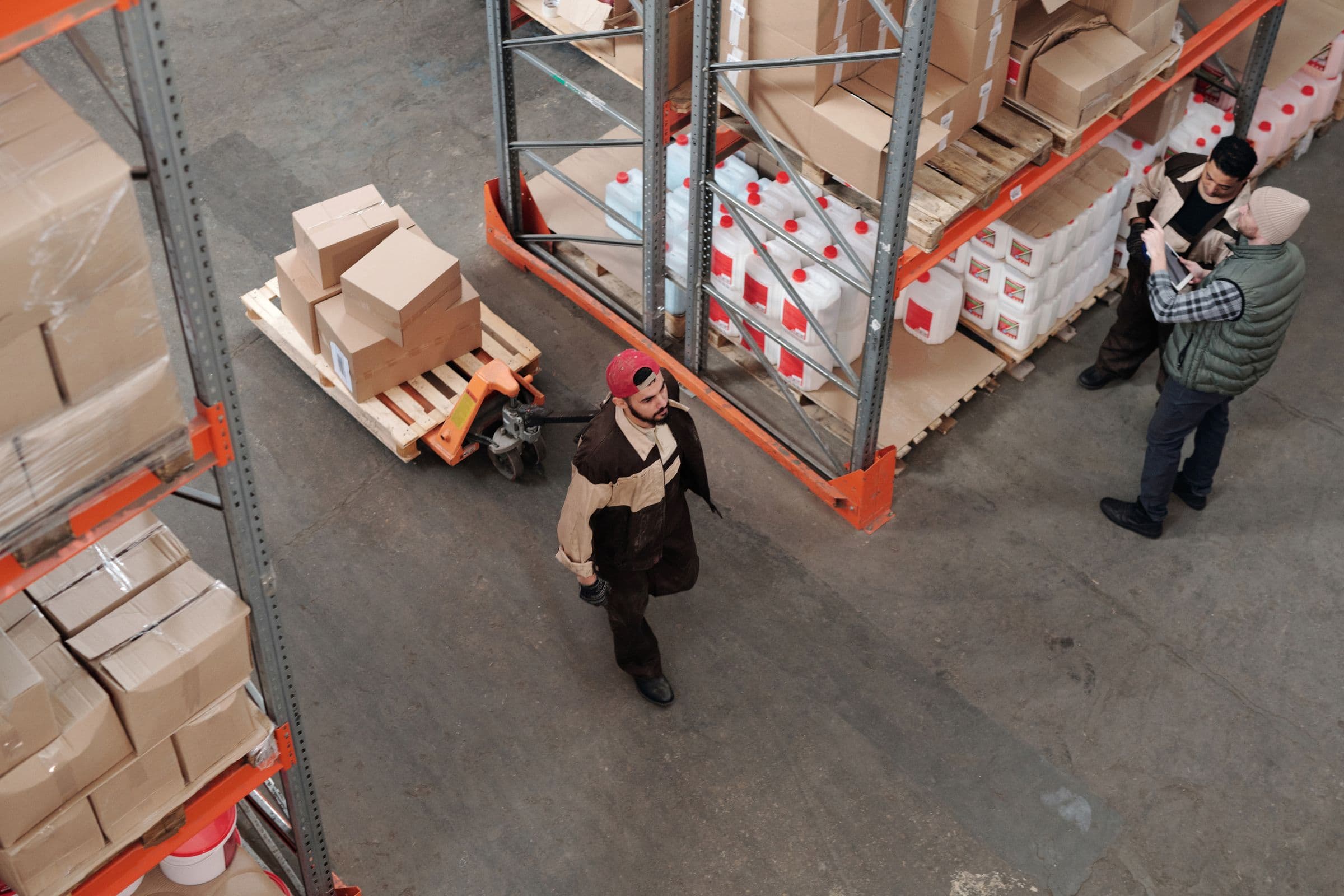
Overhead view of a working warehouse floor: racking, pallets, a worker with a pallet jack and a supervisor holding a tablet

Business automation · Portland & Vancouver

Know what’s actually happening.

Spreadsheets, paper, and six apps that don’t talk. We come to your operation, learn how work and decisions actually move, connect the tools worth keeping, and build only what is missing — not another tool your team has to work around.

45.5152° NPortland, Oregon·Vancouver, Washington

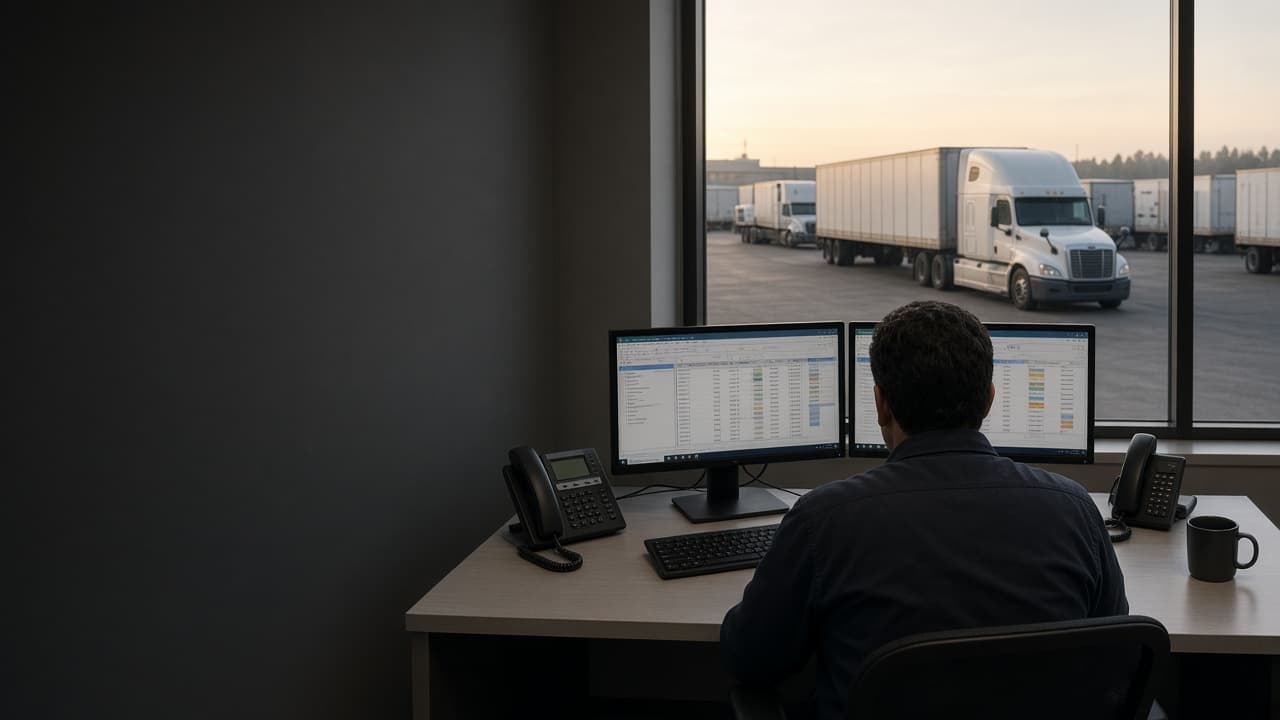
Built forConstructionFabricationManufacturingWarehousingDistributionField service

Real operations, not concepts

Systems that replaced how a business was actually running.

Every one of these took over from something a company depended on daily — spreadsheets, a platform that could not be changed, a rigid ERP, paper. Where a client has authorised measured results, we publish them and explain what changed.

View all work

The familiar problem

Your business grew.
Your systems didn’t.

All of it worked when the company was smaller. Then came more customers, more people, more transactions — and more exceptions. Eventually the owner becomes the integration layer.

SpreadsheetXLSX
INVENTORY_final_v4.xlsxedited by 3 people
PaperPrinted
Work order #1842on someone's dash
MessageSMS
“Did that ship yesterday?”11:41 PM
SystemDesktop
Accountinglast synced by hand
SpreadsheetXLSX
Copy of pricing (2).xlsxwhich one is live?
MessageChat
“Ask Mike, he knows”Mike is on vacation
PaperPhoto
Signed delivery ticketin a text thread
SpreadsheetXLSX
Job costs — Q2 (draft)assembled monthly
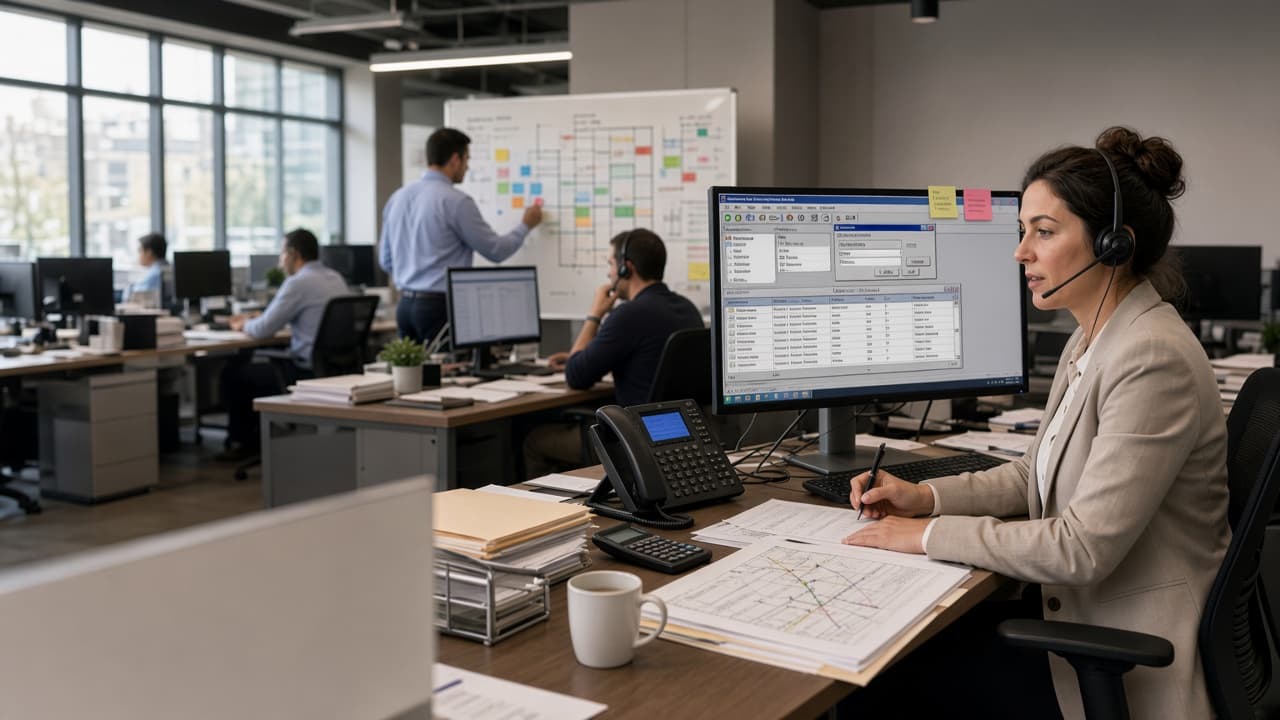
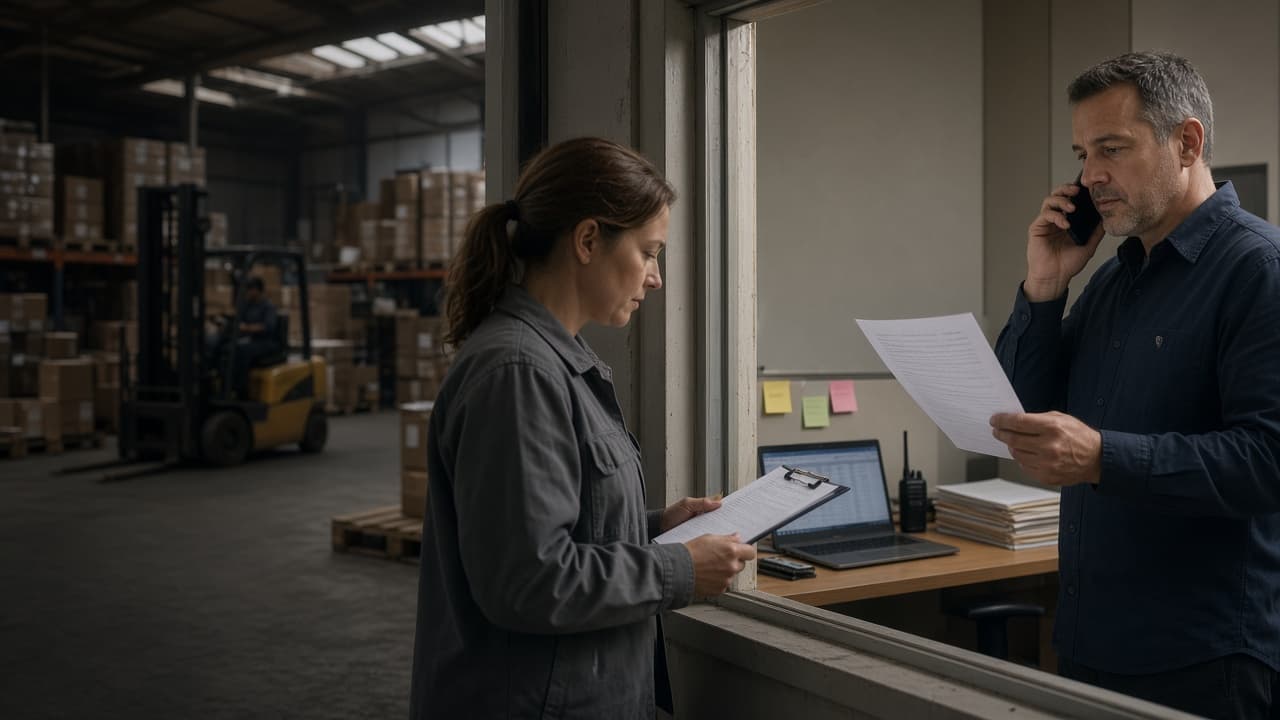
Operations manager and warehouse supervisor reconciling information across paper, phone, and a spreadsheet

Management becomes manual

You spend time finding information instead of using it.

None of this means a business is badly run. It usually means the systems never grew at the same rate as the company.

01

Which spreadsheet has the latest numbers?

02

How much inventory do you actually have right now?

03

Can you see the margin on a job before it's finished?

04

What happens when the person who knows the process is out?

05

Do you know what's happening — or do you have to ask?

One record, every desk

The operational event and the financial record are the same event.

Entered once, where the work happens. Every number downstream — stock, cost, margin — is derived from it rather than re-typed beside it.

  • Quote and order in one place, with the history attached
  • Purchase orders tied to the demand that created them
  • Stock captured at the point of movement — scanned, not retyped
  • Job cost and margin visible while the job is still open
  • Invoices and bills derived from work that actually happened
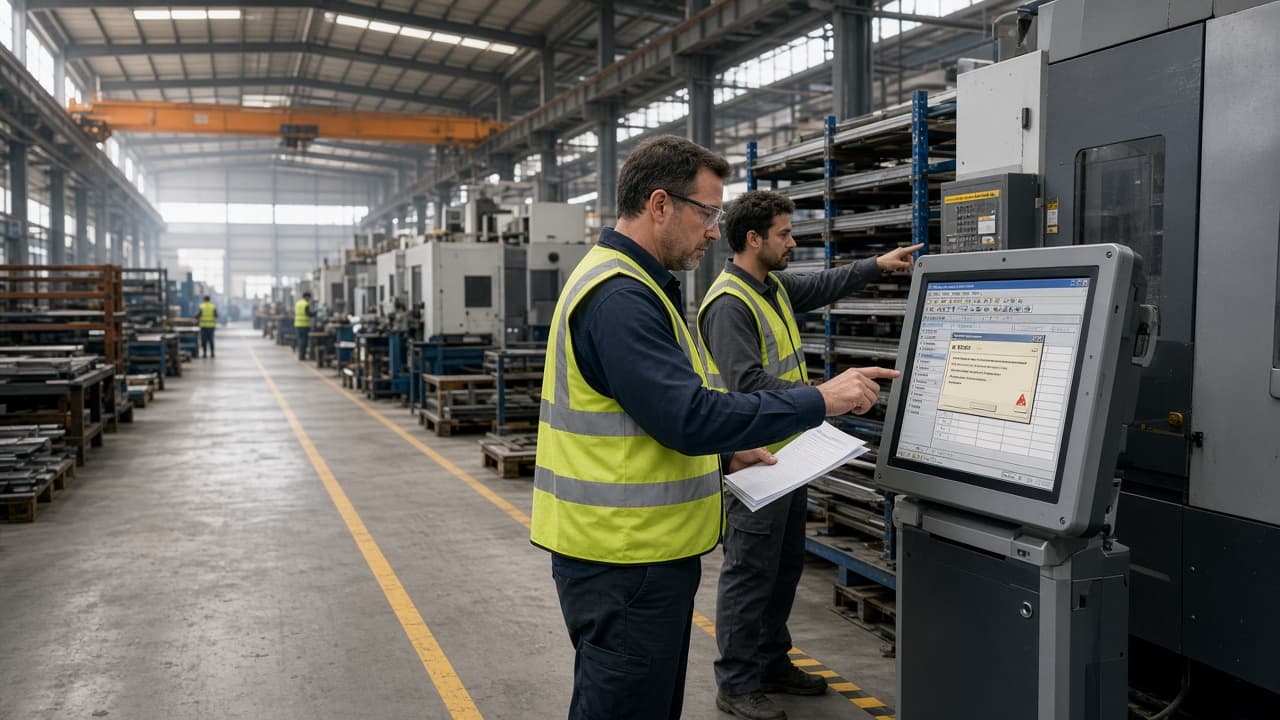
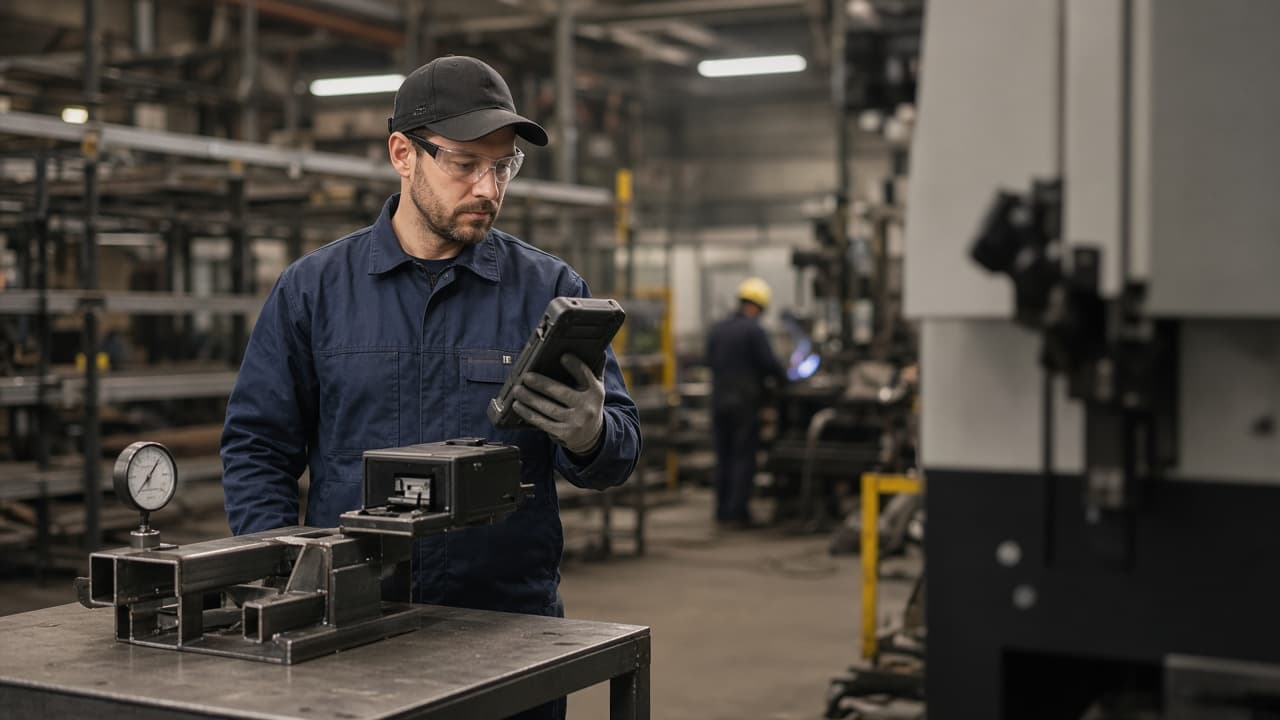
Production operator recording completed work at the fabrication cell where it happened

How we work

We start with the operation.

Show us how the work actually happens. We find where information breaks down, then design the system around the business.

01

Understand

We come to the business and watch it run. We talk to owners, to managers, and to the people actually doing the work — then map how information becomes a decision.

02

Simplify

Automating a bad process makes it permanent. First we work out what can disappear, what should be standard, and where each piece of information ought to originate.

03

Connect

Your accounting, CRM, or scheduling tool may already be the right answer. We keep what works and make information move between systems cleanly, in one direction, from one source of truth.

04

Build

Where existing software would force the business into bad compromises, we build the missing pieces — web, mobile, backend, integrations. Years of reusable foundations mean custom rarely starts from zero.

05

Improve

Launch is not the end. As volume, people, and priorities change, the system changes with them. In practice we become your business systems department.

See the full approach

What we build

Keep what fits. Build where generic software forces a bad compromise.

Web, mobile, portals and integrations are delivery surfaces. The real product is one operation whose records agree.

01

Sales & customers

Enquiries, quotes, pricing, and orders held in one place, with the history attached. Customers get a portal instead of an email thread.

02

Purchasing & vendors

Purchase orders tied to the demand that created them, receiving that matches what arrived, and approvals that happen where the work is.

03

Warehouse & production

Stock that reflects the physical world because it is captured at the point of movement — scanned, not retyped. Production consumes materials and produces cost.

04

Money

Invoices, bills, commissions, and payroll inputs derived from work that actually happened — so the numbers agree without a monthly reconciliation ritual.

05

Field & mobile work

Native iOS and Android applications for people who are outside, in a truck, or on a jobsite — built for gloves, glare, and bad signal.

06

Information & integration

Dashboards fed by the operation itself, plus the connective tissue: APIs, phone systems, email intake, file transfer, and accounting sync.

Portland · Vancouver

Some problems can’t be understood from a Zoom call.

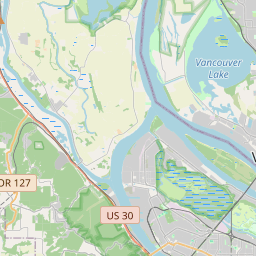
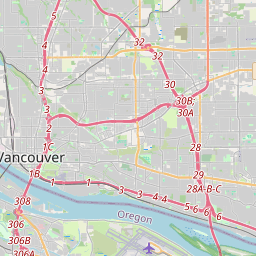
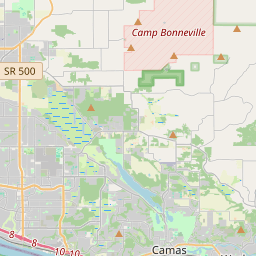
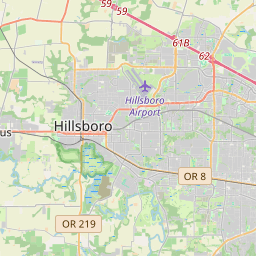
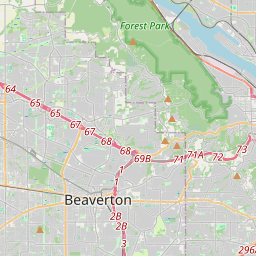
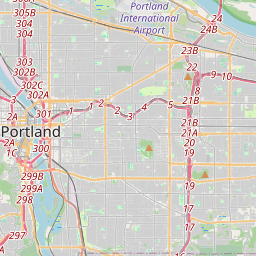
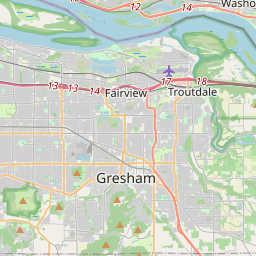
We work with businesses in the Portland–Vancouver area because understanding an operation usually means being in it. Walking the floor. Watching the handoffs. Talking to the people who know where it actually breaks.

01

Observe

Stay close to the operation as it changes.

02

Build

Extend the system where new needs appear.

03

Operate

Run it in production, and answer for it.

04

Improve

Raise data quality, reporting, and forecasting over time.

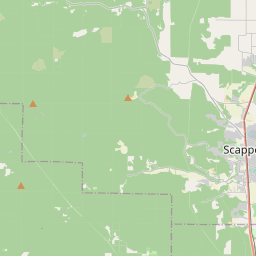
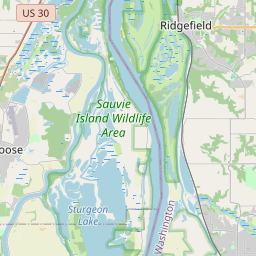
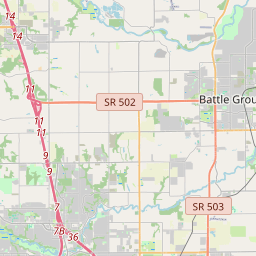
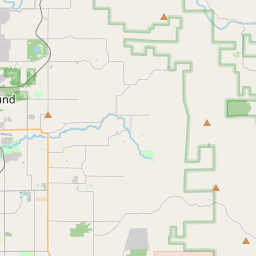
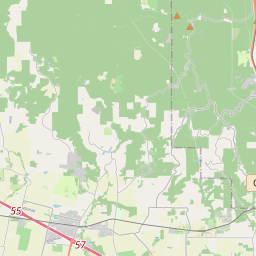
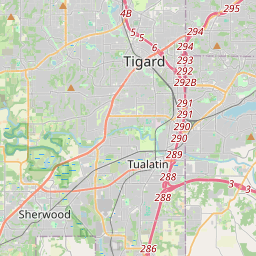
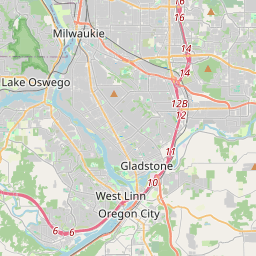
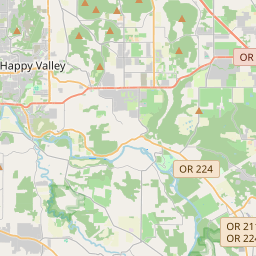
Service area · Portland–Vancouver metro© OpenStreetMap contributors

Start with the operation

Show us how your business works.

Tell us where the work gets stuck — spreadsheets, a platform you cannot change, or systems that do not agree. We will work out whether the right answer is to simplify, connect, buy, or build.

Show us how it works